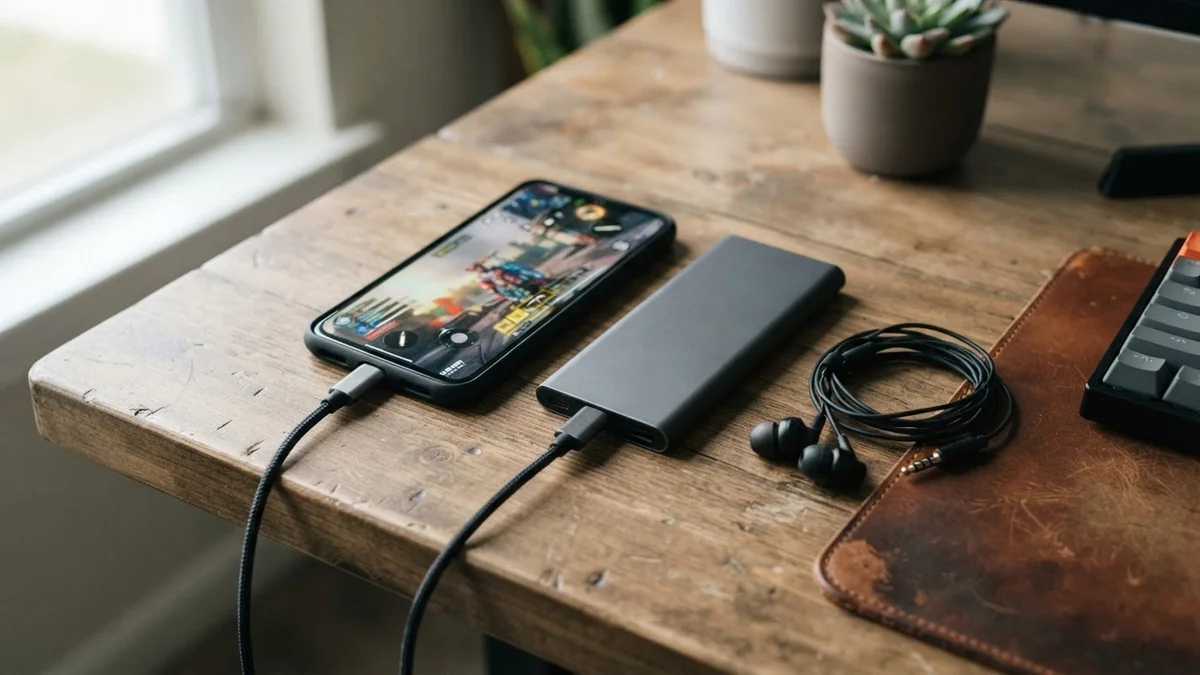
Mobile games are among the most power-hungry apps on a phone. Bright screens, powerful graphics and constant internet use all drain the battery quickly. With a few smart habits, you can play longer and keep your battery healthy.
Quick Battery-Saving Tips
- Lower screen brightness to a comfortable level.
- Reduce graphics quality and frame rate in game settings.
- Turn off Bluetooth, GPS and other features you are not using.
- Close background apps that use data or location.
- Use Wi-Fi rather than mobile data where possible.
- Turn off vibration and reduce sound effects.
What Uses the Most Power?
| Factor | Impact |
|---|---|
| Screen brightness | High |
| High frame rates and graphics | High |
| Mobile data and weak signal | Medium to high |
| Background apps | Medium |
| Vibration and audio | Low to medium |
Protect Long-Term Battery Health
Lithium-ion batteries wear out faster with heat and extreme charge levels. Avoid letting the phone get very hot, try not to drain it to 0 percent often and consider using built-in optimised charging features.
Charging While Playing
Playing while charging can make the phone hot, which harms the battery. If you must, use the original or a good quality charger and remove the case to help cooling.
Carry a Power Bank
For long trips or gaming sessions, a reliable power bank lets you top up without searching for a socket.
Conclusion
Lower brightness, sensible graphics settings and good charging habits let you enjoy mobile games longer while keeping your battery healthy for years.
Disclaimer: This article is for general information only. Product features, prices and availability vary by region and change over time. We are not affiliated with any game publisher or hardware manufacturer mentioned.