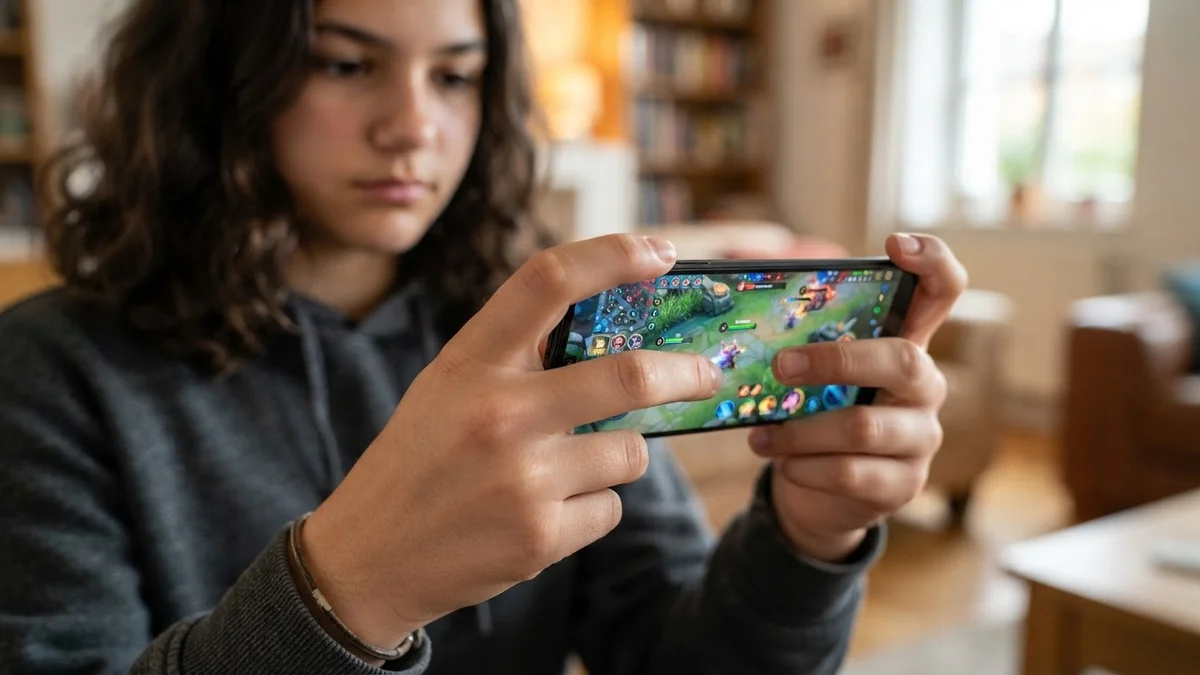
Smartphones are now powerful gaming devices, and mobile games are played by billions of people worldwide. Even so, lag, overheating and frame drops are common complaints. Many issues can be fixed with a few simple adjustments.
Free Up Storage and Memory
Phones slow down when storage is nearly full. Delete unused apps, old videos and downloads. Close background apps before playing to free up memory for the game.
Keep Software Updated
Update your phone’s operating system and your games regularly. Updates often include performance improvements and bug fixes.
Adjust In-Game Settings
| Setting | Tip |
|---|---|
| Graphics quality | Lower it for smoother gameplay on older phones |
| Frame rate | Choose a stable frame rate rather than the highest |
| Shadows and effects | Turning these down boosts performance |
| Resolution | A lower render resolution reduces heat and lag |
Use Game or Performance Mode
Many phones include a game mode that limits notifications and prioritises performance. Turn it on before playing.
Improve Your Connection
- Use a stable Wi-Fi network where possible.
- Stay close to your router.
- Avoid large downloads on the same network while playing online.
Prevent Overheating
Heat causes phones to slow down automatically. Remove thick cases during long sessions, avoid playing while charging if the phone gets hot and play in a cool place.
Conclusion
Smooth mobile gaming comes from a tidy phone, sensible graphics settings, a stable connection and good heat management. Small changes can make a big difference.
Disclaimer: This article is for general information only. Product features, prices and availability vary by region and change over time. We are not affiliated with any game publisher or hardware manufacturer mentioned.