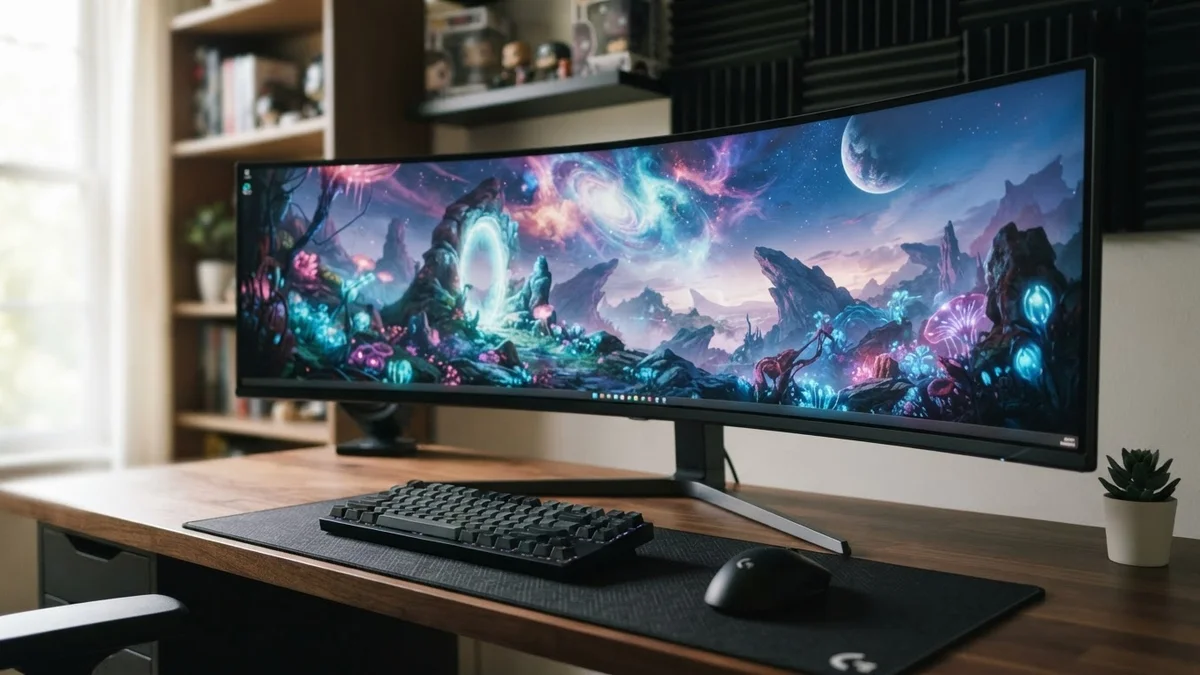
Your monitor is the window into every game you play. A good gaming monitor can make motion smoother, images sharper and gameplay more responsive. With so many technical terms, choosing one can be confusing. Here is what the key specifications mean.
Resolution
| Resolution | Pixels | Best for |
|---|---|---|
| Full HD (1080p) | 1920 × 1080 | Budget setups and very high frame rates |
| QHD (1440p) | 2560 × 1440 | A popular balance of sharpness and performance |
| 4K (2160p) | 3840 × 2160 | Very sharp visuals; needs a powerful graphics card |
Refresh Rate
Refresh rate, measured in hertz (Hz), is how many times per second the screen updates. A 60 Hz monitor is fine for casual games, while 144 Hz or higher makes fast action look much smoother. Your graphics card must produce enough frames per second to benefit.
Response Time
Response time is how quickly pixels change colour, measured in milliseconds. Lower numbers reduce blur and ghosting in fast scenes.
Panel Types
- IPS: accurate colours and wide viewing angles.
- VA: strong contrast and deep blacks.
- TN: very fast but weaker colours and angles.
- OLED: excellent contrast and speed, usually at a higher price.
Adaptive Sync
Adaptive sync technologies match the monitor’s refresh rate to your graphics card’s output, reducing screen tearing and stutter. Check that the monitor supports the technology compatible with your graphics card.
Size and Ergonomics
24 to 27 inches suits most desks. Larger or ultrawide screens offer immersion but need more space. An adjustable stand helps you set the right height and angle.
Conclusion
Choose a monitor that matches your graphics card and the games you play. For most players, a 1440p screen with a high refresh rate and adaptive sync offers an excellent balance.
Disclaimer: This article is for general information only. Product features, prices and availability vary by region and change over time. We are not affiliated with any game publisher or hardware manufacturer mentioned.